Order ahead. Skip the queue. Your shop’s app, run with AI.
Your own app on the App Store and Google Play. Ask Claude or ChatGPT to update the menu, pause a shop or check last week’s sales.
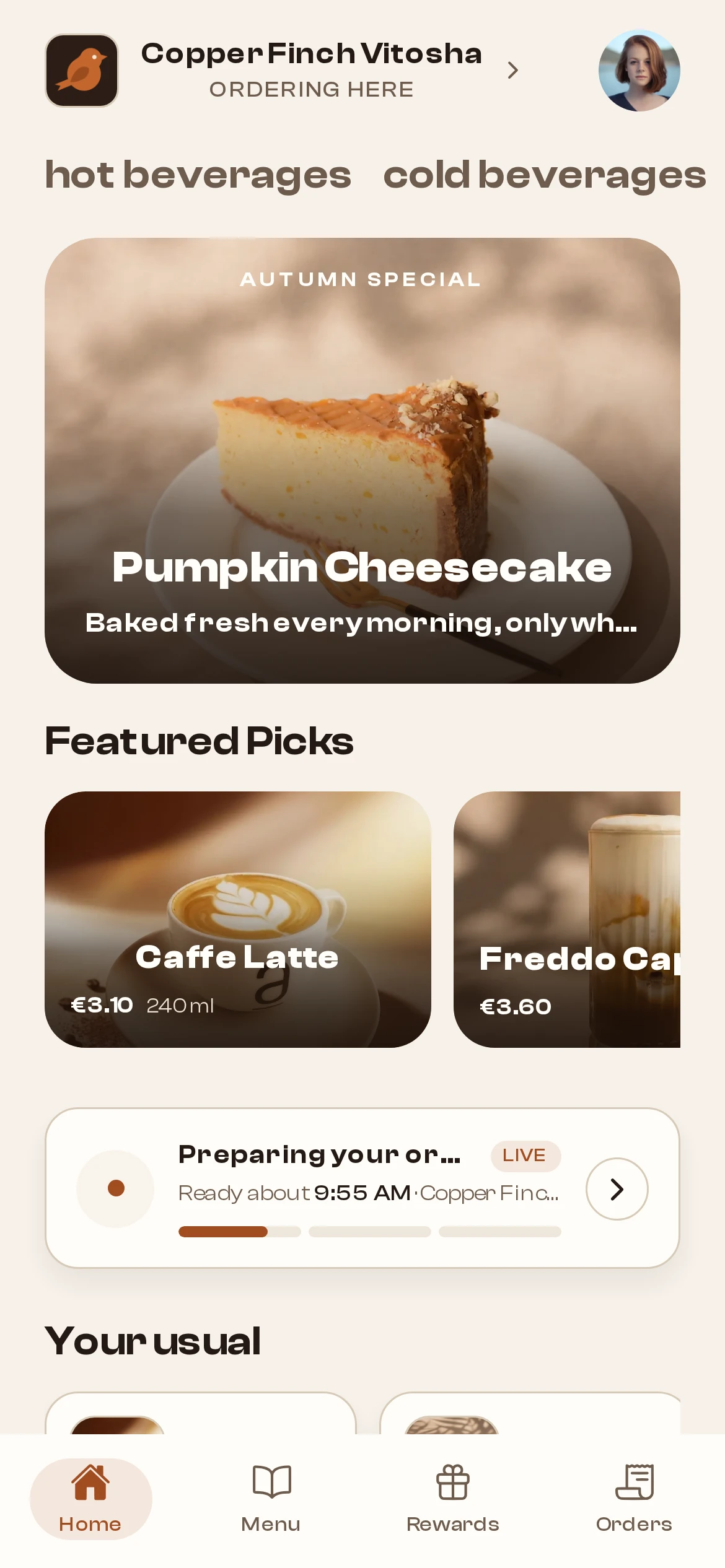
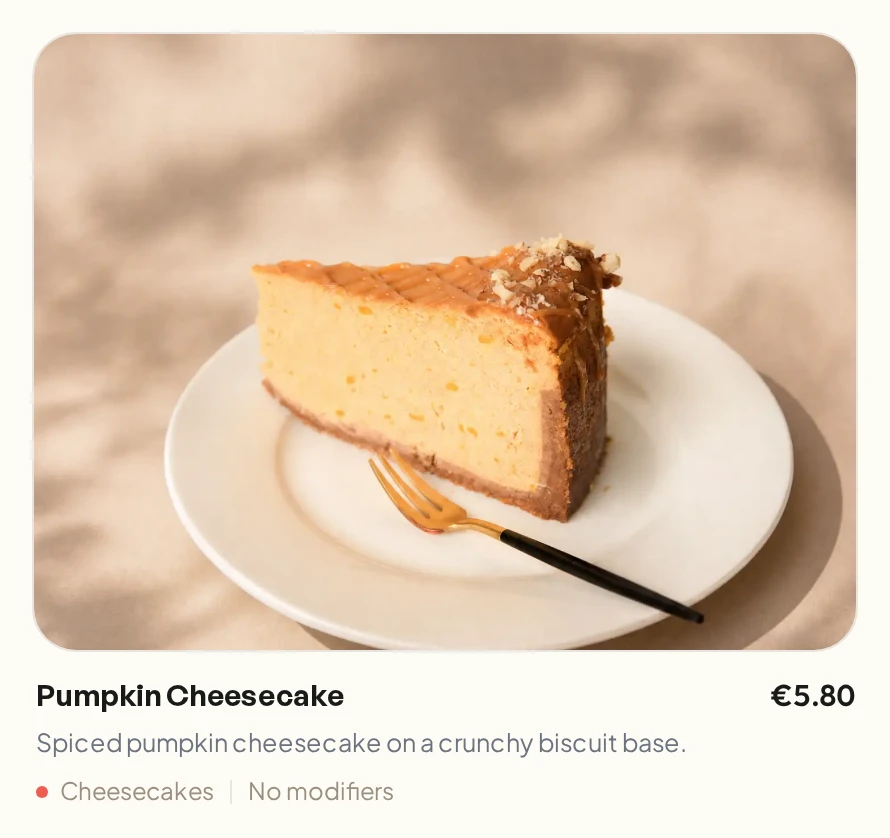
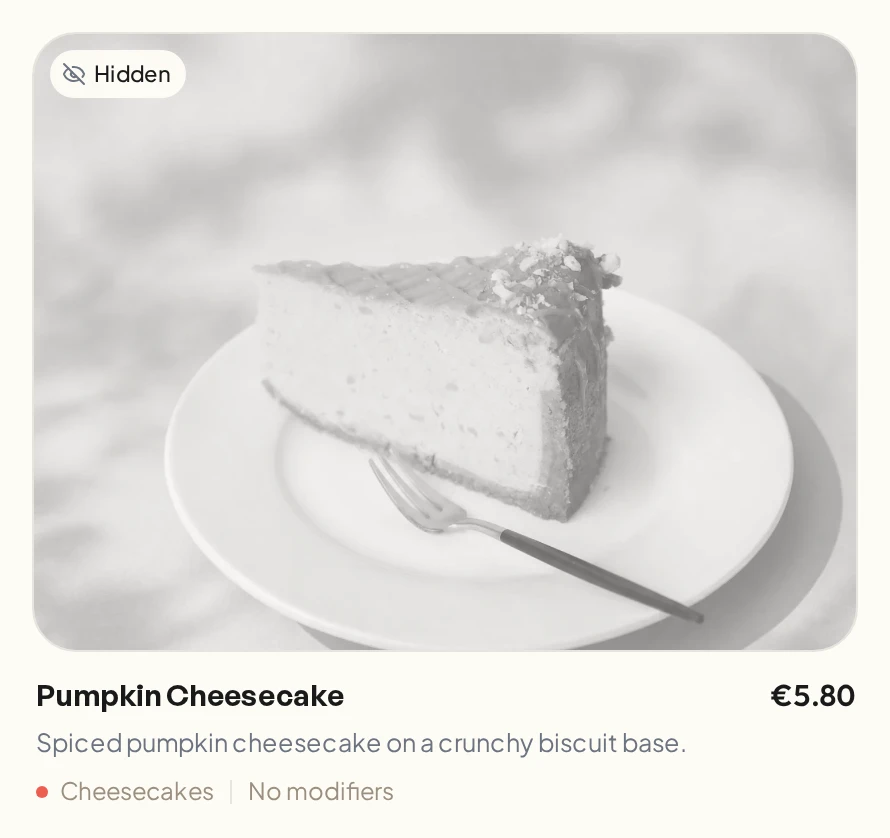

AltruistFirst client, live in Sofia
Works with
- Borica
- Apple Pay
- Google Pay
- App Store
- Google Play
Every shop gets its own design
Start from one of our starter themes and adjust it to your brand. Ordering, payments and loyalty work the same underneath.
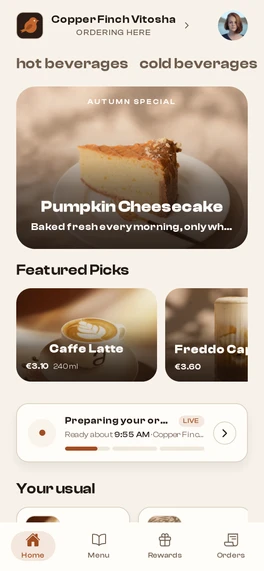
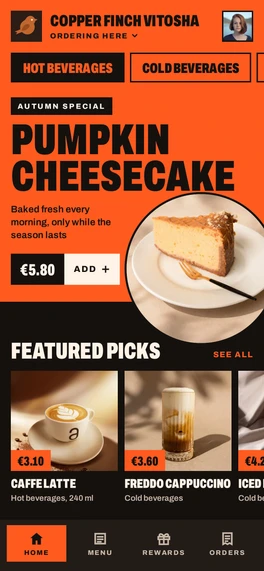
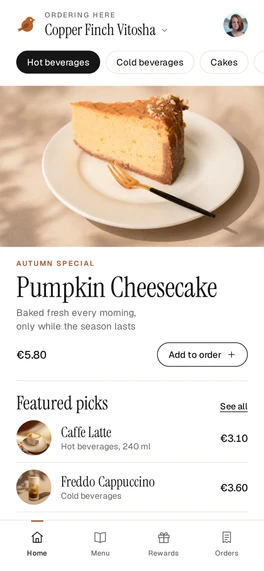
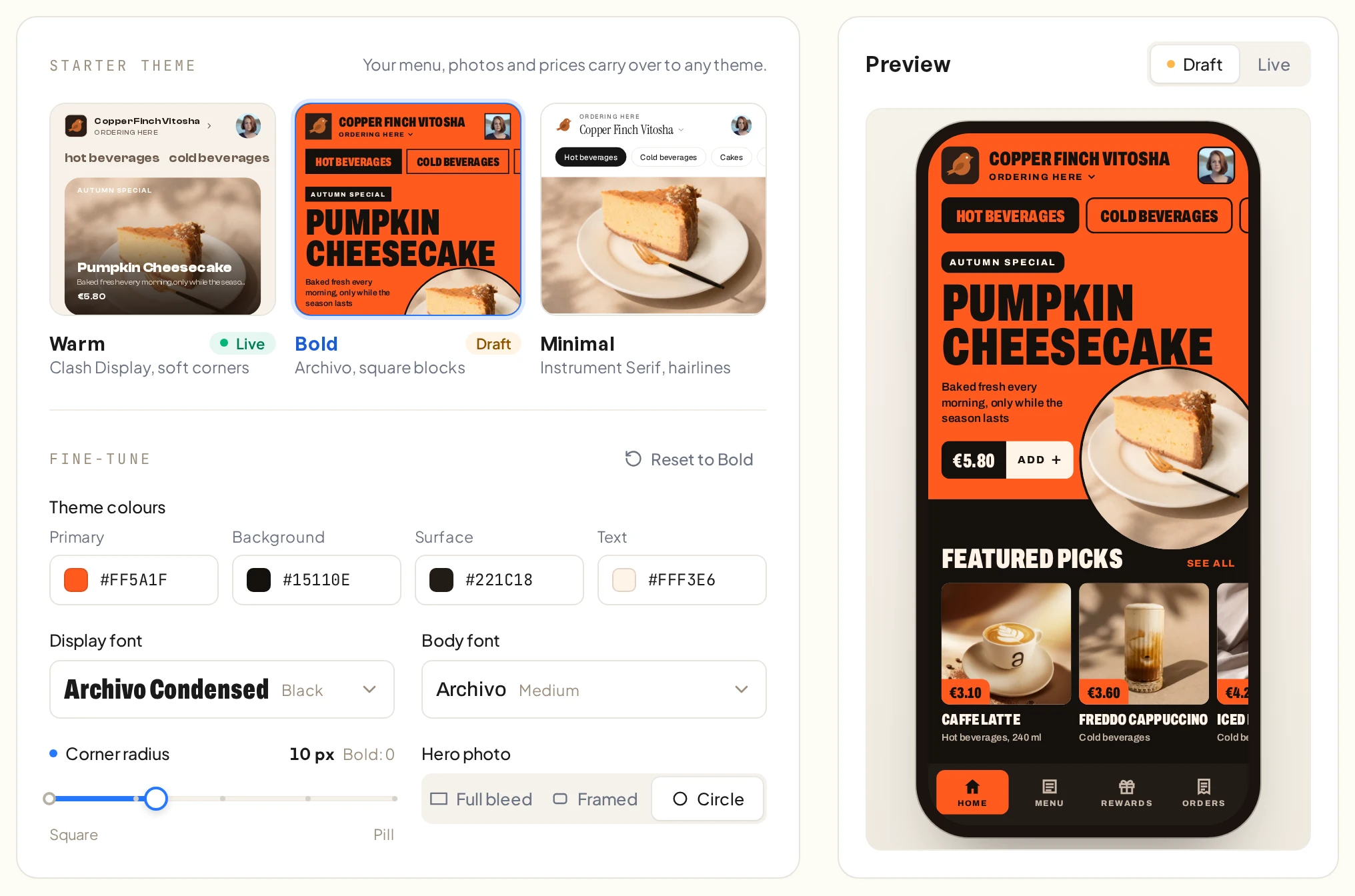
Pick a starter theme
Each theme is a complete app design with its own layout, type and colours.
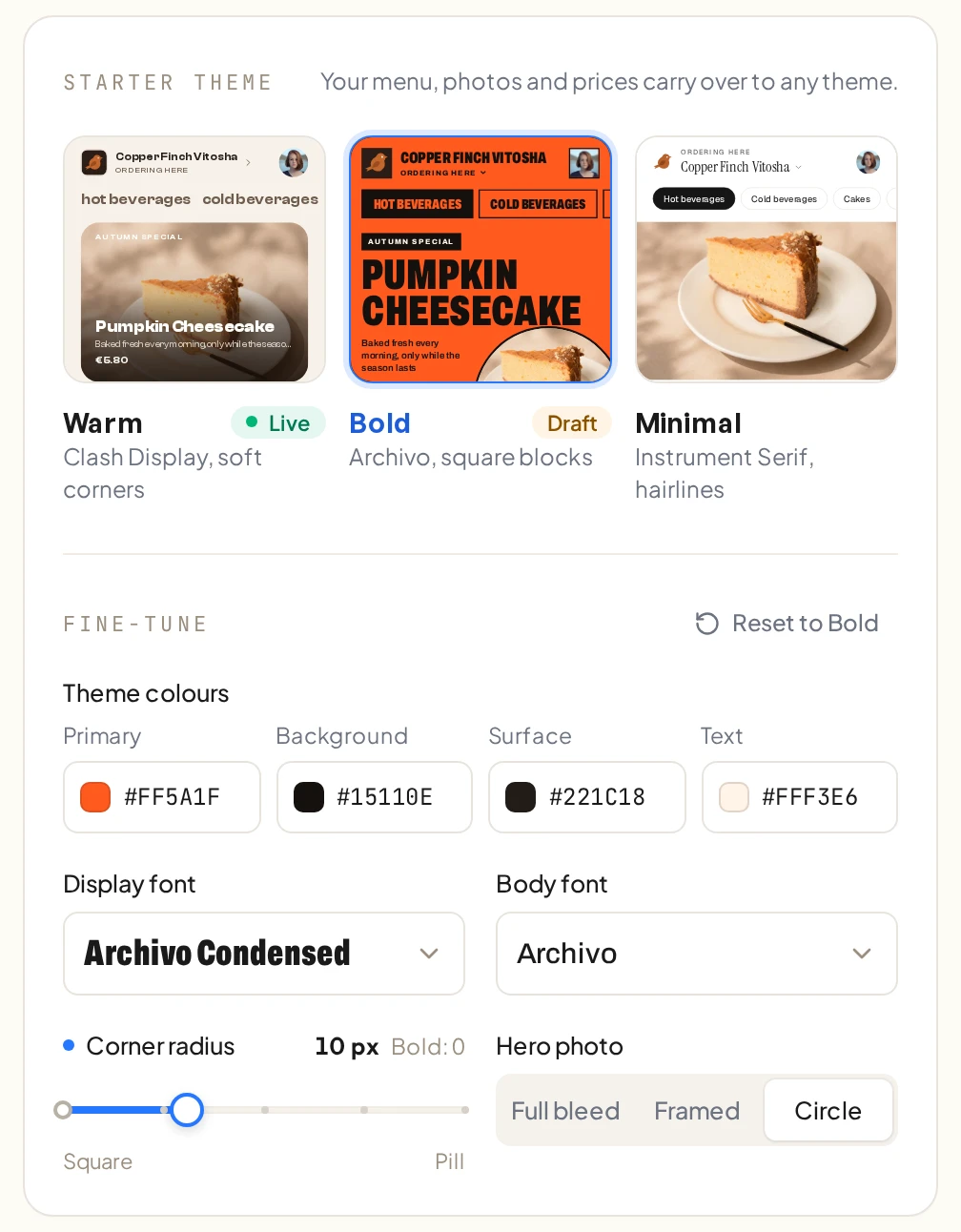
Make it match your brand
Change the colours, corner radius and fonts. The preview updates as you go.
Your own listing, icon and splash
The app goes on the App Store and Google Play under your shop’s name, with your icon and splash screen.
Every paid order goes straight to the counter
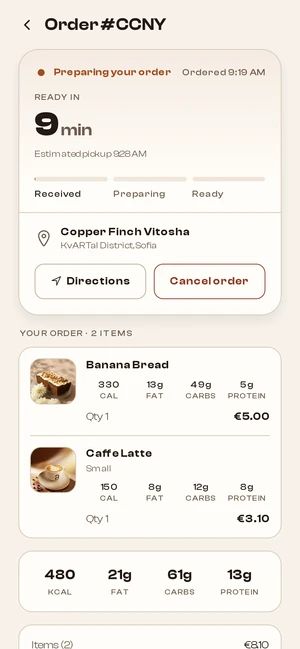
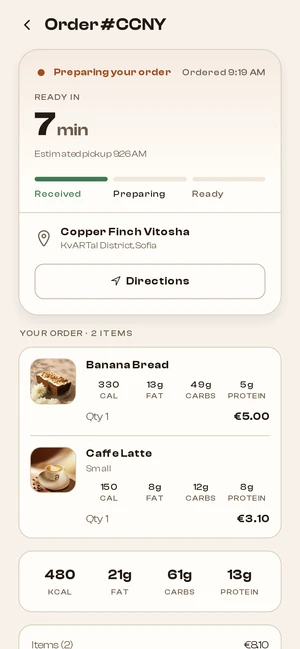
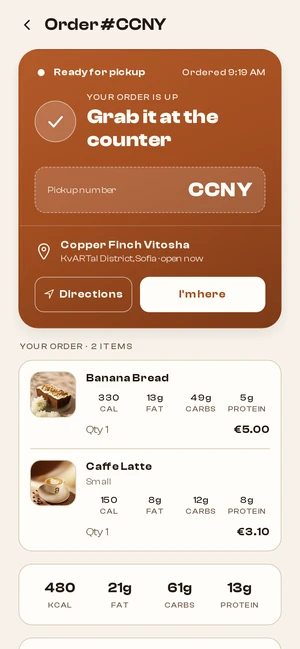
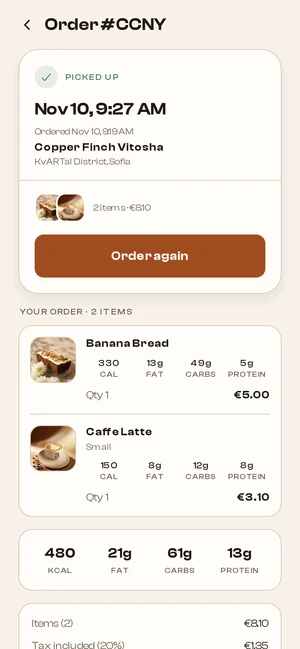
Baristas work orders on the Live Orders board, on a tablet or any screen behind the counter. Each tap moves an order along, and the customer sees it in the app.
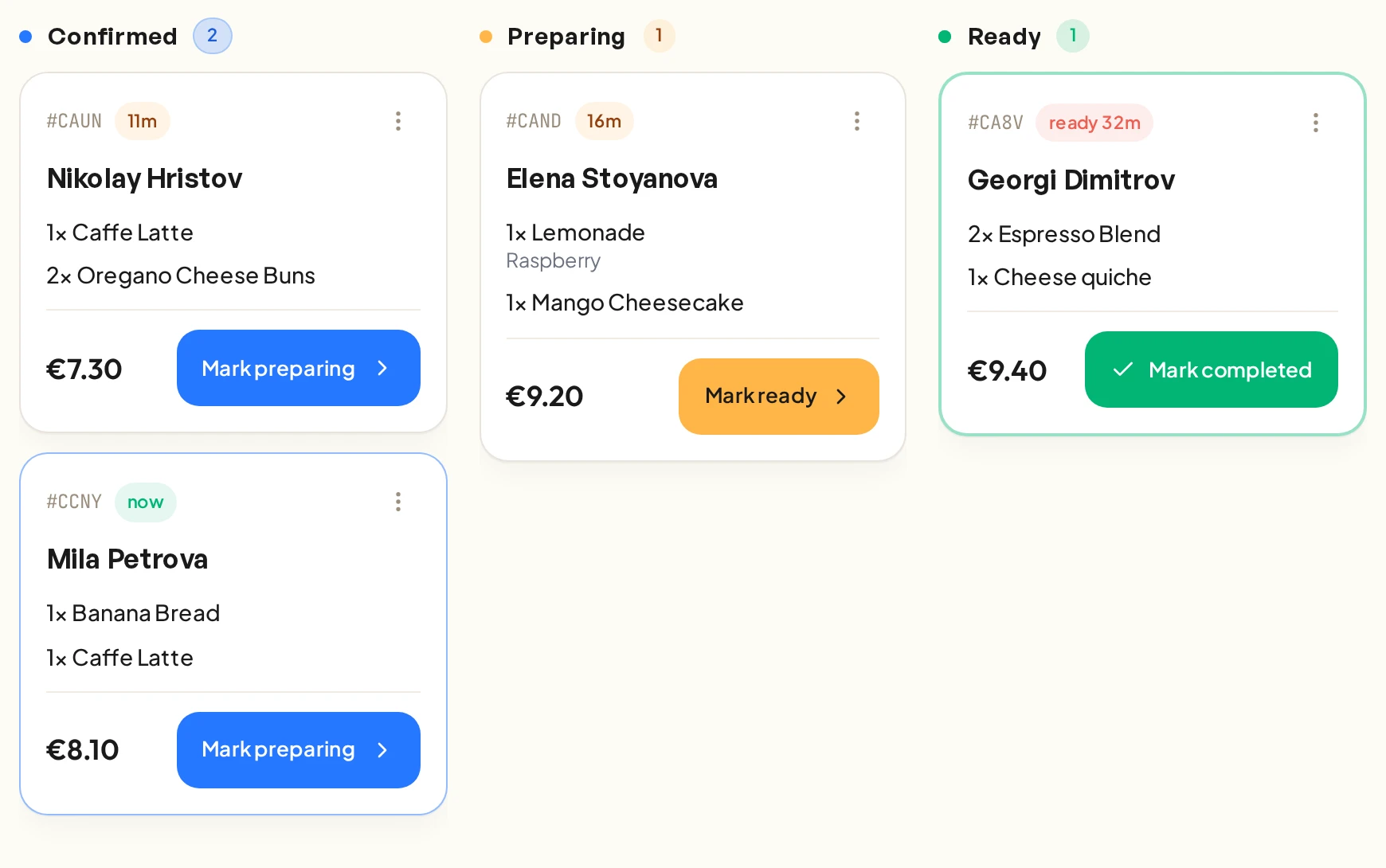
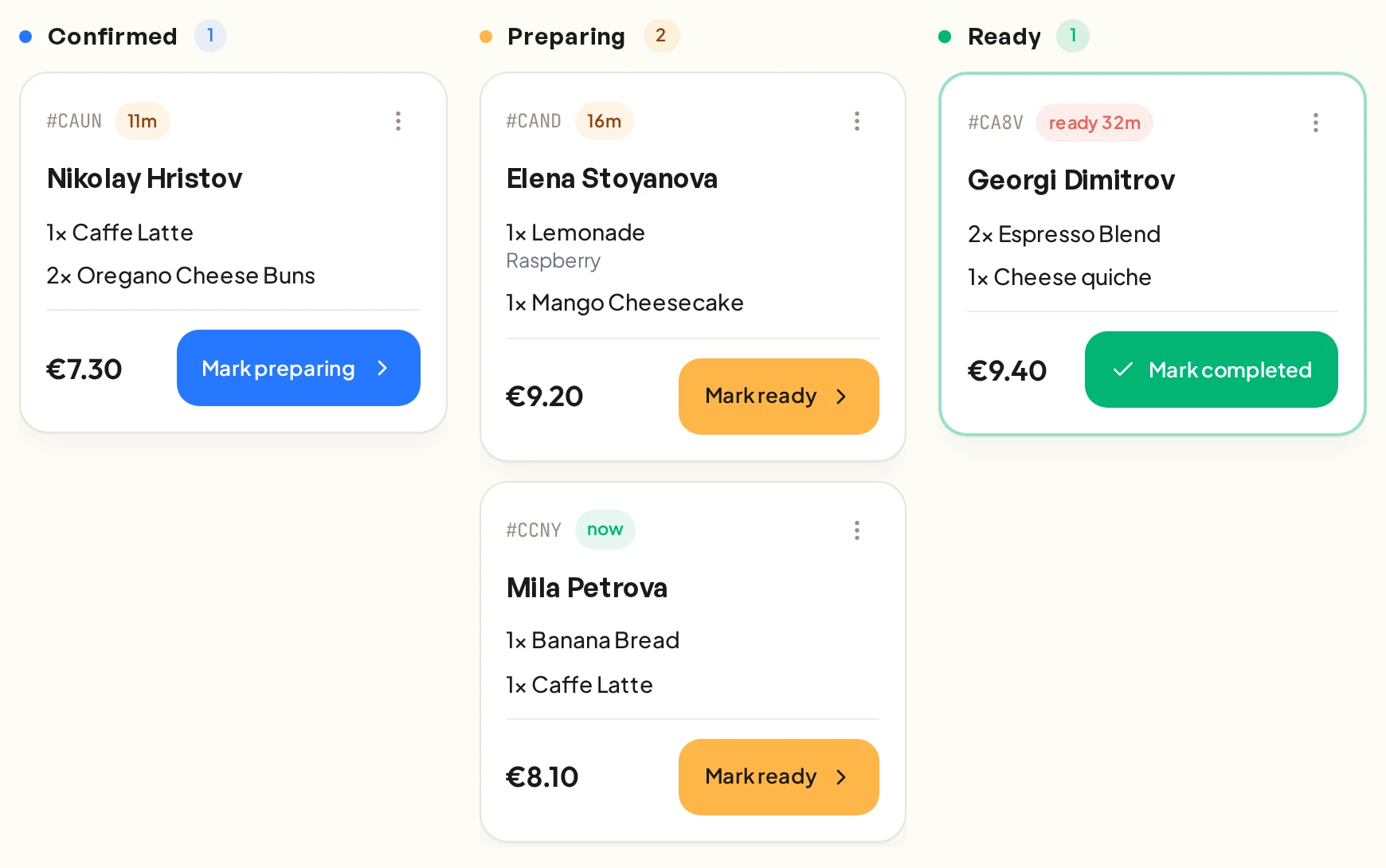
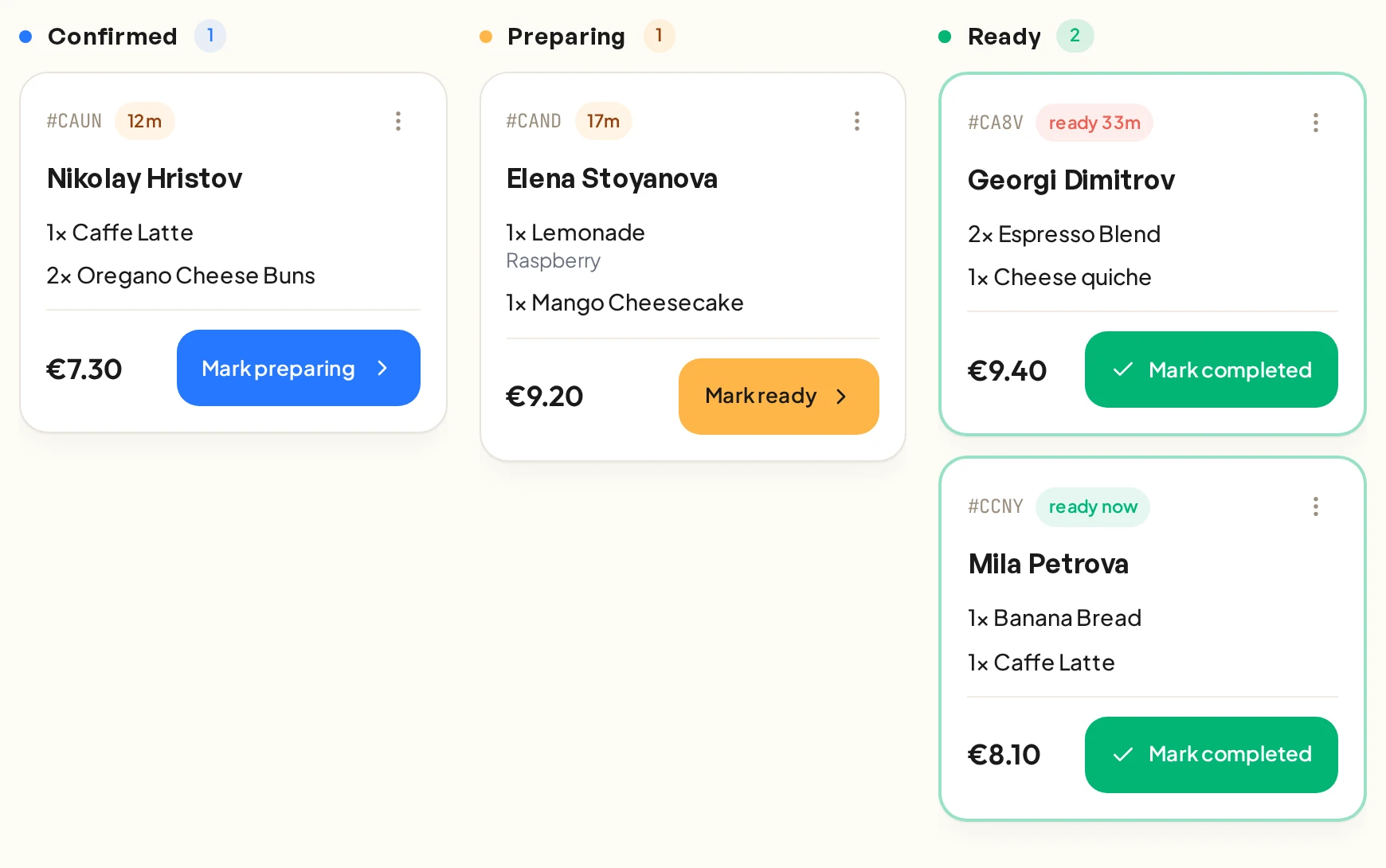
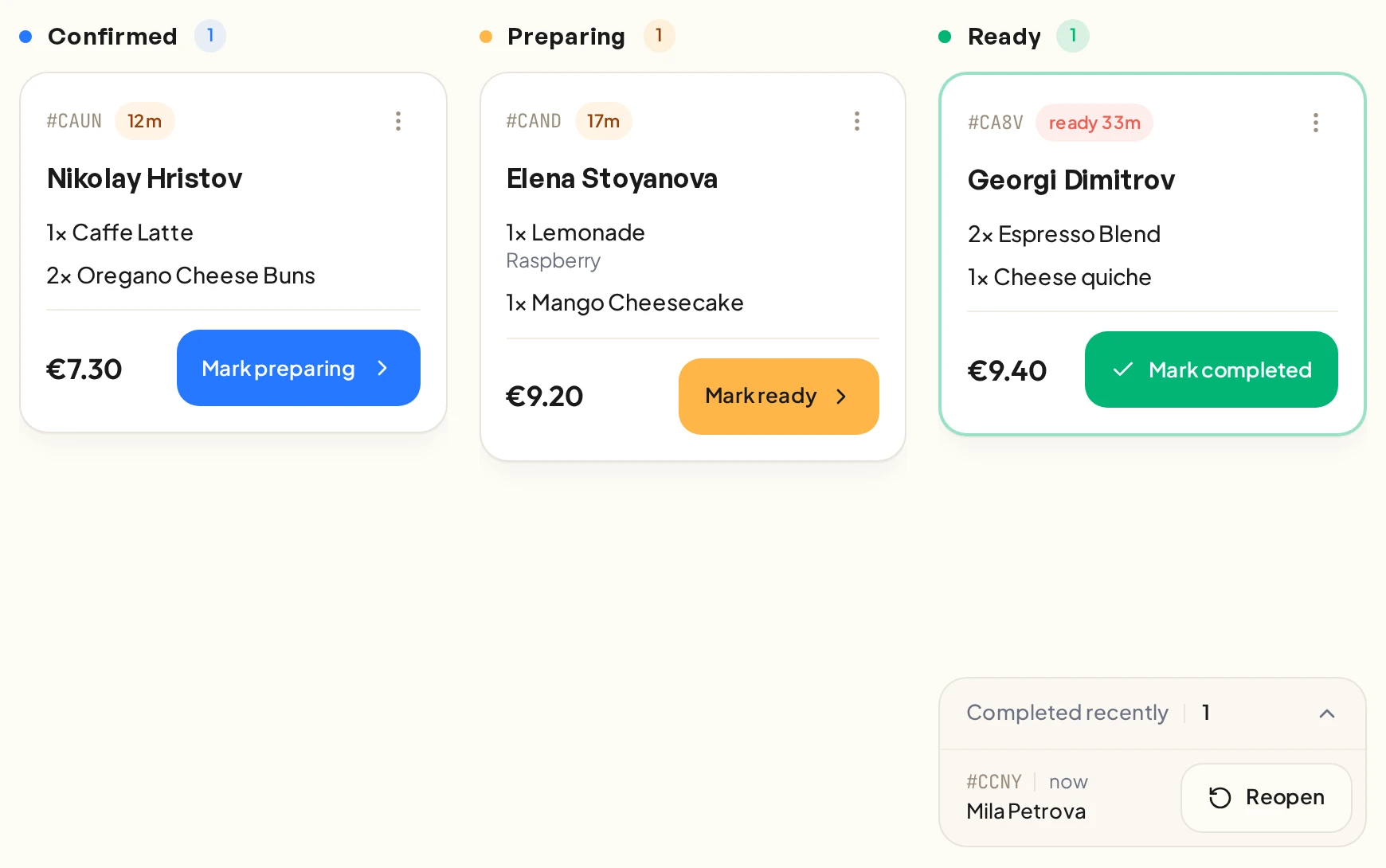
A chime for every new order
Paid orders arrive with a sound and a highlight. The chime repeats every minute until someone opens the order or starts on it.
Pause a shop when the queue is long
Stop new orders for 15, 30 or 60 minutes, or until you switch them back on.
Focus mode for the counter screen
The board fills the screen and the screen stays awake.
Run the shop from Claude or ChatGPT
Connect ServeBetter to the assistant you already use. Ask it how last week went, or have it hide a sold-out cake for the day.
Claude, ChatGPT and other assistants
Anything that supports MCP. Connect it once and sign in with your ServeBetter account.
ServeBetter skills
Routines you can hand to the assistant, such as the morning menu check or a weekly sales summary.
It can only do what you can
A barista’s assistant can mark a cake as sold out, but it can’t change prices. Every change shows up in the backoffice.
Turn your phone photos into menu photography
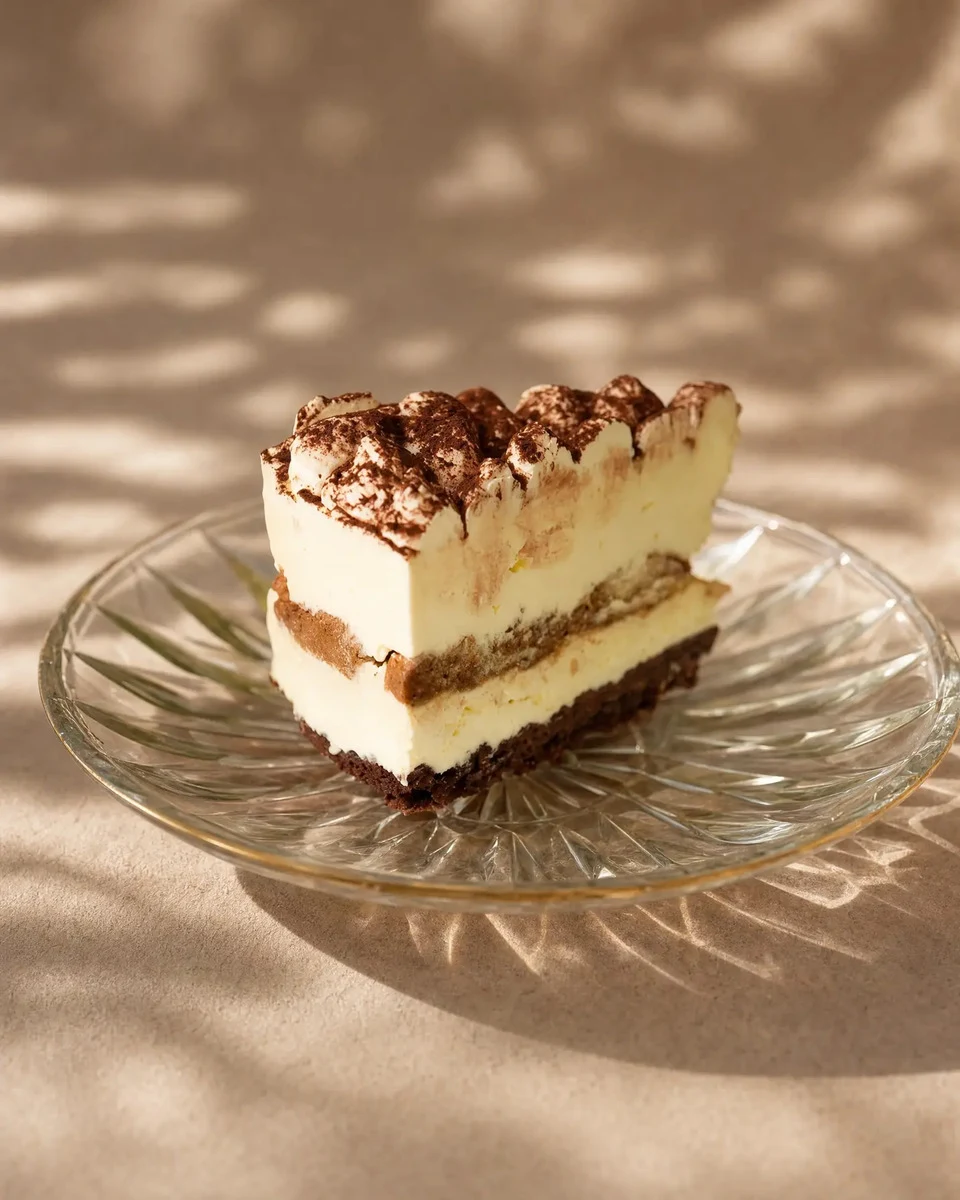
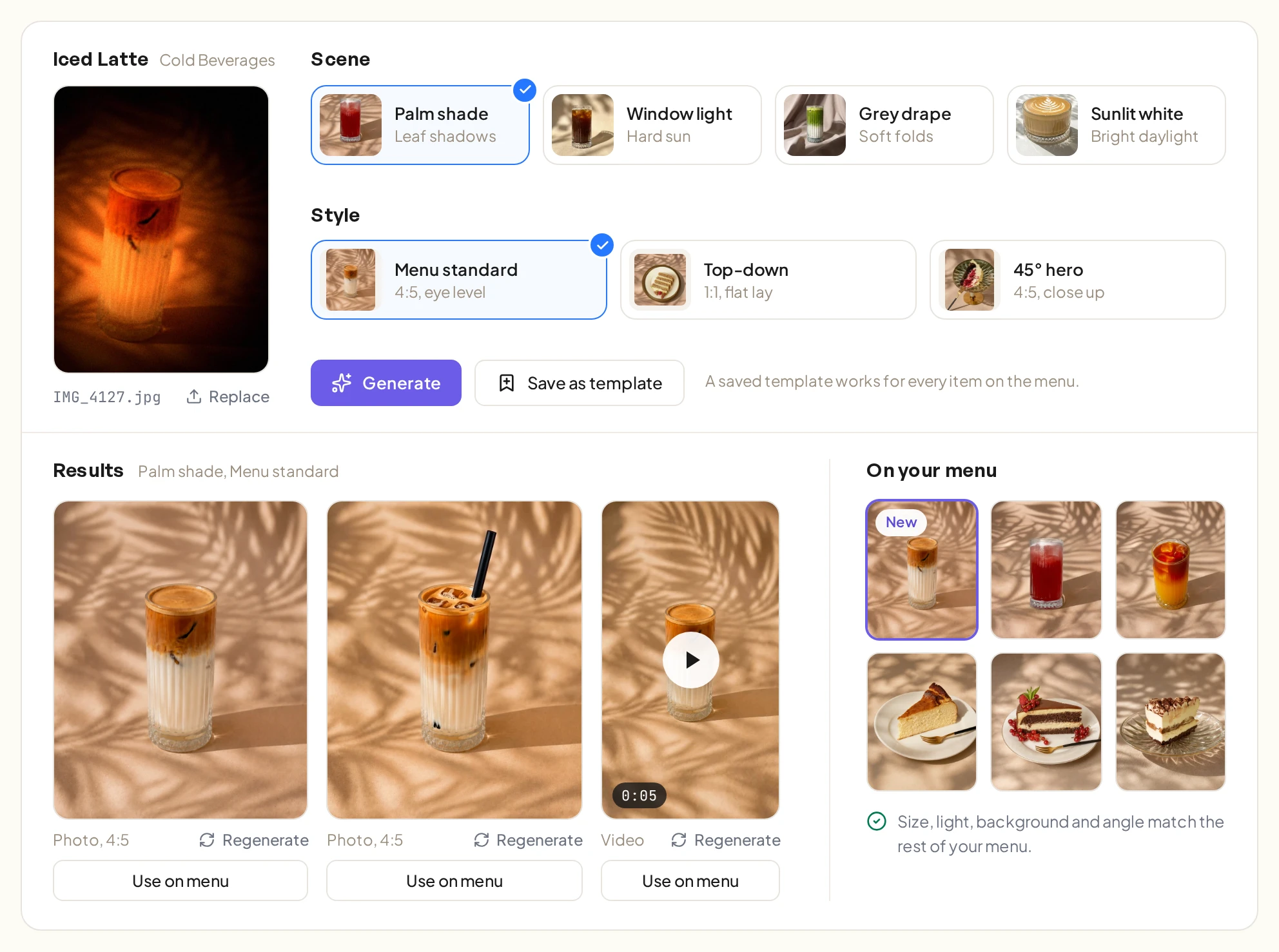
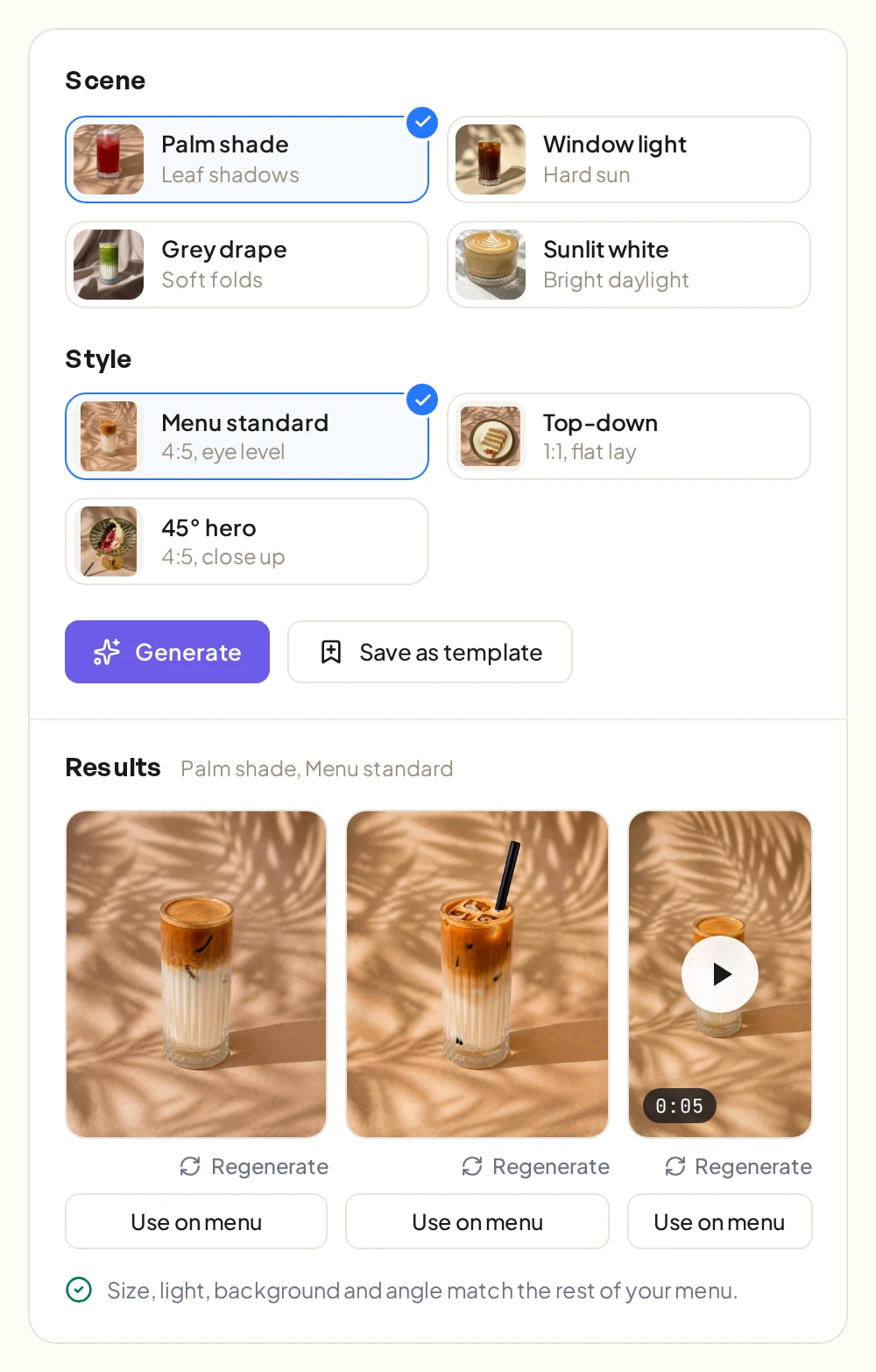
Upload any photo of a menu item and pick a scene and a style. AI Studio gives you back a photo that matches the rest of your menu, and a short video if you want one.
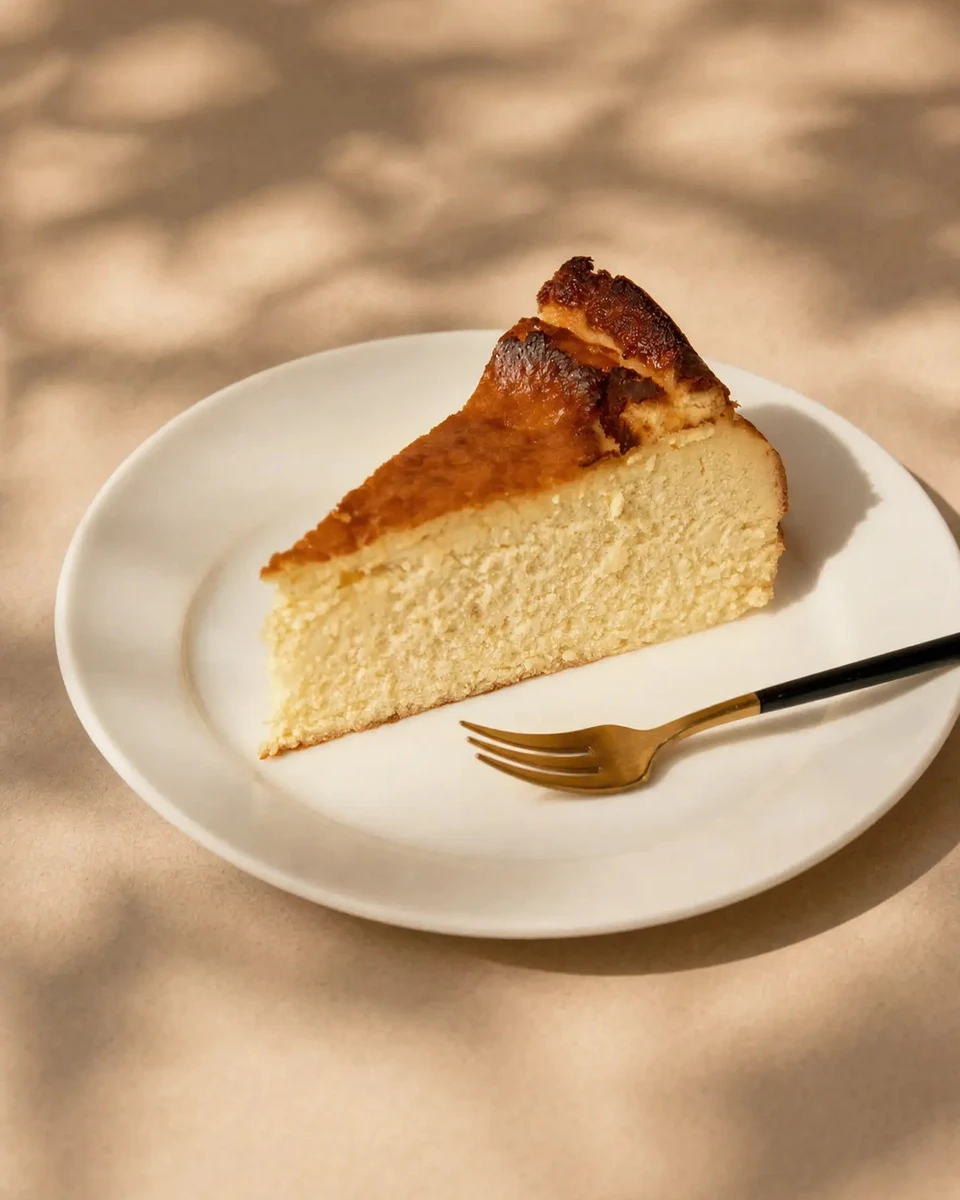

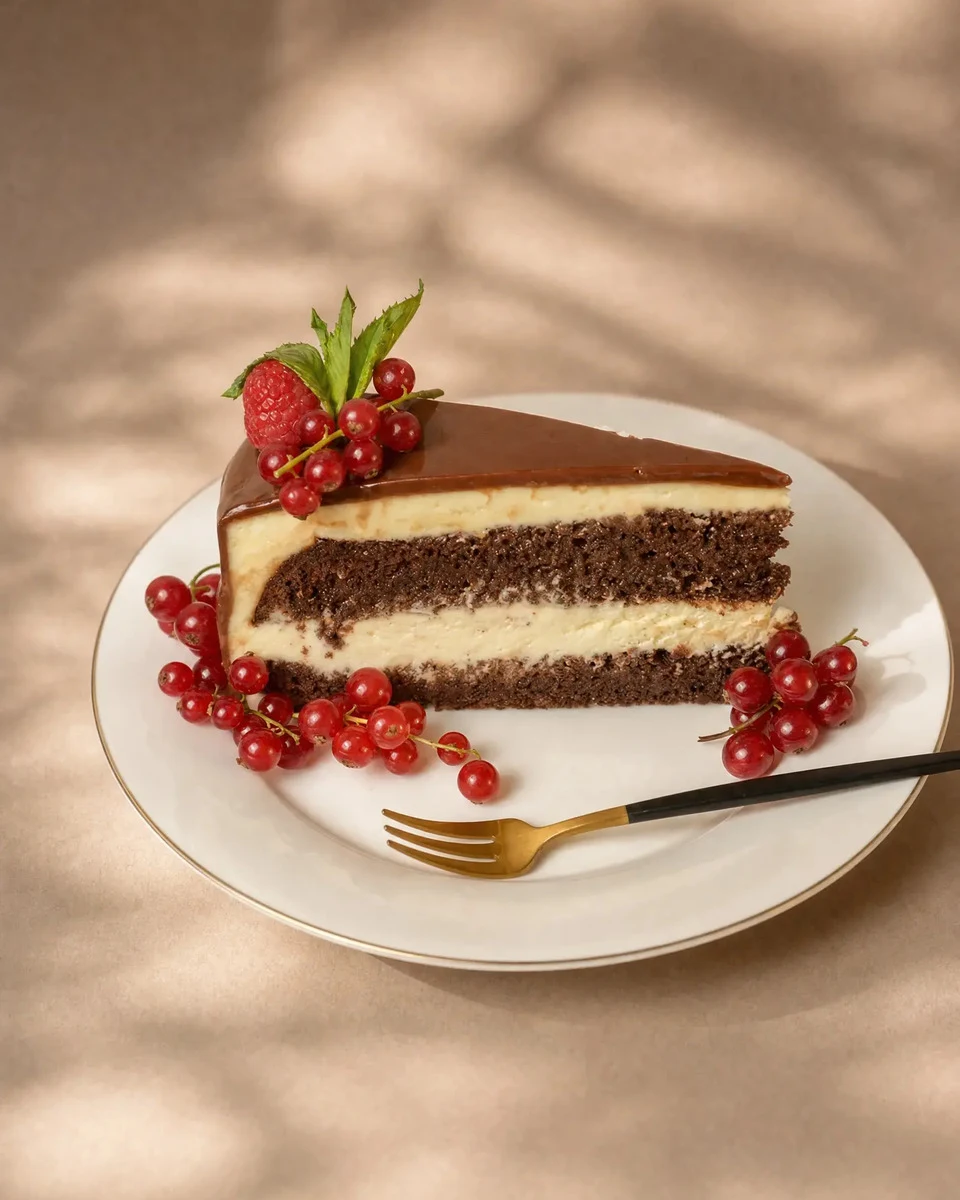





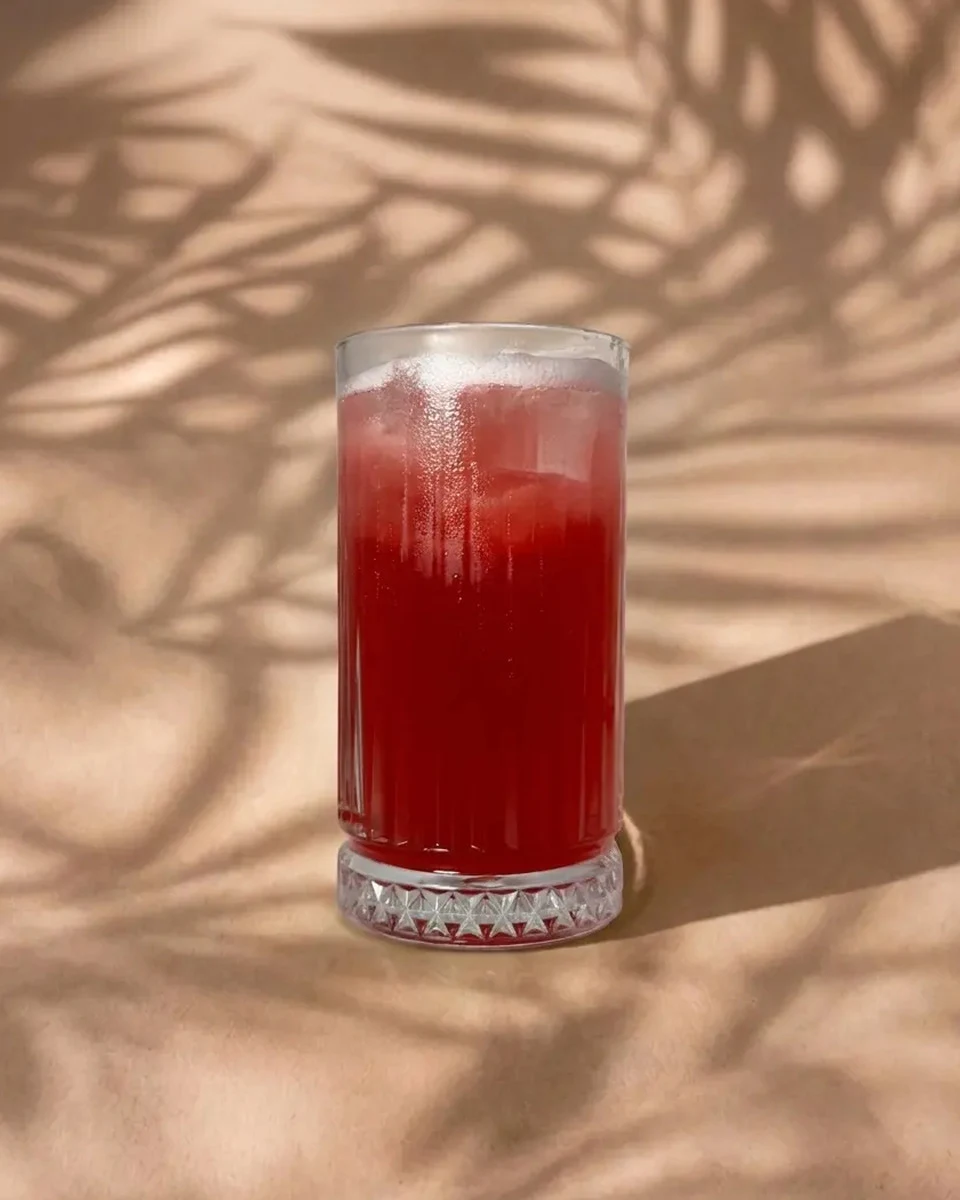

The whole menu matches
Every photo comes out at the same size, light, background and angle.
Short videos for the menu
Turn a photo into a few seconds of video for the item screen.
Save scenes and styles as templates
Use them again for every new item, so new photos match the old ones.
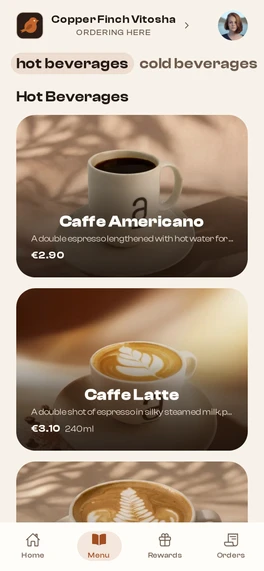
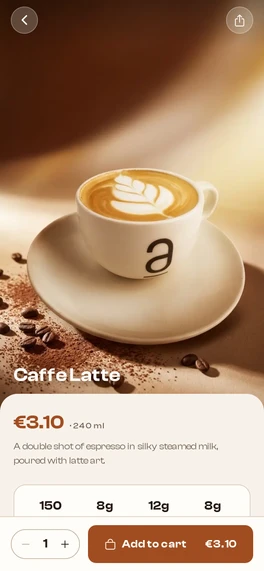
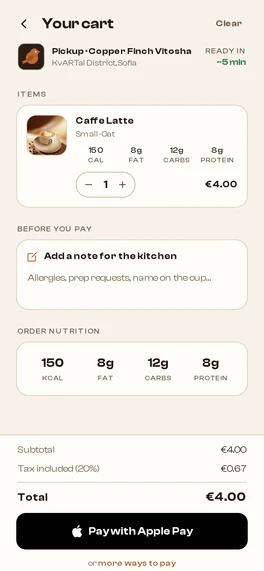
Customers order and pay before they arrive
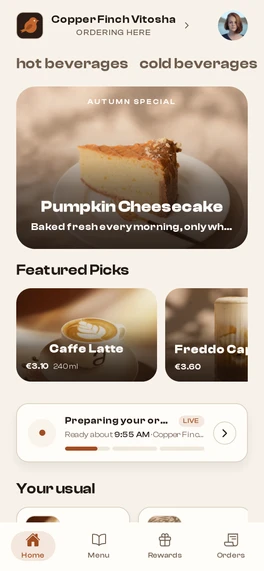
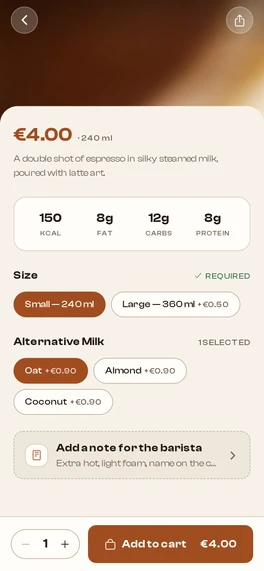
They pick a drink, choose the size and milk, and pay with Apple Pay, Google Pay or a card. Your team gets the order as soon as it’s paid.
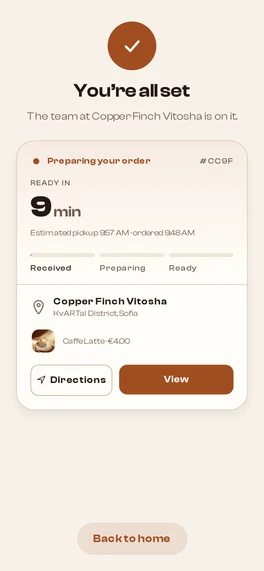
Only what your bar can make
Sizes, milks and extras come from your menu, each with its price.
Pickup from the nearest open shop
The app picks the closest shop that’s open and marks the closed ones.
Loyalty built in
Customers collect stamps and points with every order.
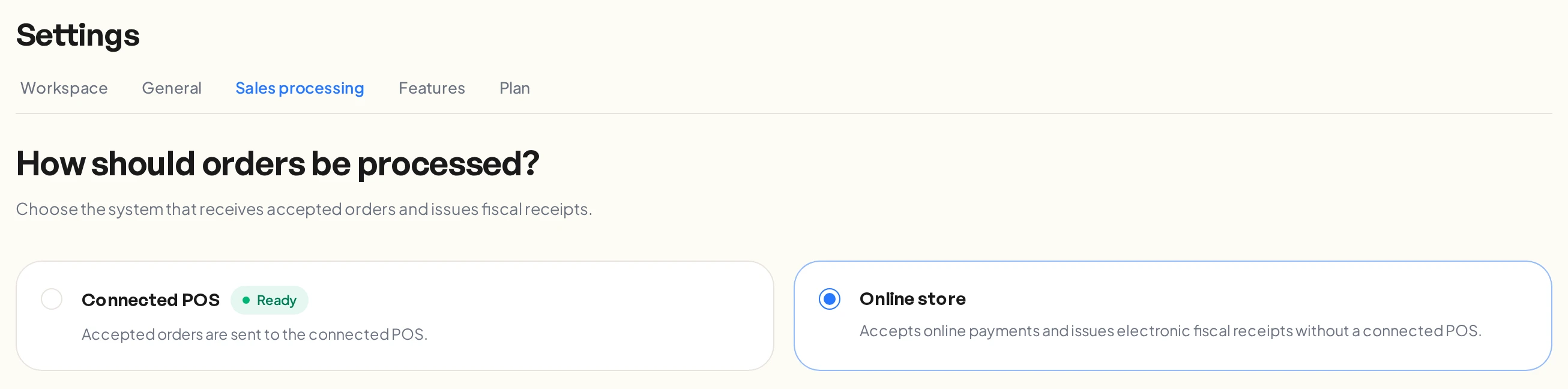
Bring your own POS, or run as an online store
Connect the POS you already use and it keeps control of prices and receipts. No POS? ServeBetter runs the menu, prices, orders and fiscal receipts on its own.
- Each menu item matched to a POS article, add-ons mapped onceReady
- A check that nothing is left unmapped before you go live
- Prices and tax come from the POS
- Menu and prices managed in the backofficeLive
- An electronic fiscal receipt for every paid order
- Nothing to connect or map
Customers pay in the app by card through Borica, Apple Pay or Google Pay. VAT is included in every price.
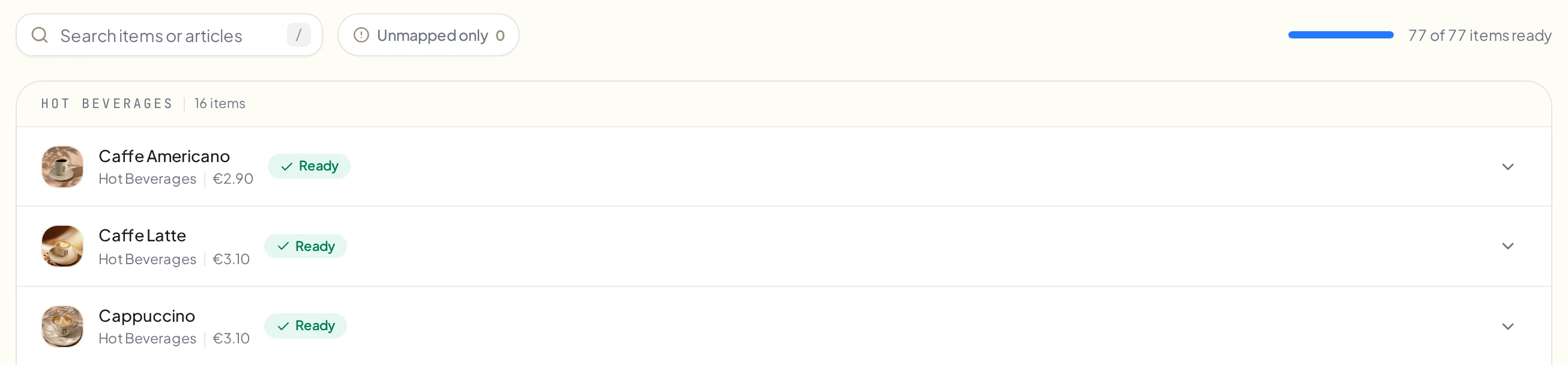
Seven steps to your first paid order
Your dashboard walks you through them in order.
Build the menu
Open a location
Choose how orders run
Connect your POS
With a POSMap the articles
With a POSTurn on card payments
First paid order
Or let your assistant do it
Claude, ChatGPT or any assistant that supports MCP.
Get my shop ready for its first paid order.
Common questions
Something else? Email us at sales@servebetter.app
Do I need a POS?
No. If you already use a POS, connect it and it keeps control of prices and receipts. Without one, ServeBetter handles the menu, prices and orders and issues a fiscal receipt for every paid order.
Will the app be under my name?
Yes. It’s listed on the App Store and Google Play under your shop’s name, with your icon, splash screen and design.
How do customers pay?
In the app, by card through Borica, or with Apple Pay or Google Pay. VAT is included in every price, so the receipt matches the menu.
Can I run it from ChatGPT or Claude?
Yes. Connect Claude, ChatGPT or any assistant that supports MCP, sign in with your ServeBetter account and tell it what you need. It can only do what your role allows, and every change shows up in the backoffice.
How long does setup take?
Setting up the shop takes an afternoon: the menu, a location, how orders are processed and, if you have one, the POS. The app goes live in the stores once Apple and Google approve it.
Who is it for?
Coffee shops, bakeries, juice bars and quick-serve brands, with one location or several. Altruist runs its shop in Sofia on it.